Issue #75: We're Back! Tool Calling, Default Actors & the Clock Is Ticking
Hey everyone! 👋
It's been a little while, hasn't it? First things first, a huge thank you to Marina for everything she's built here. She set an incredible foundation and this community is better for it. Big shoes to fill, but we're going to give it a shot.
I'm Sam, and I'll be taking the reins going forward. I've been a software engineer for 12+ years, 7 of those in the mobile space! I'm genuinely excited to be here. The plan is simple: keep delivering the good stuff, dig a little deeper on the topics that matter to you as iOS devs, and hopefully add a bit more value along the way.
This newsletter is for you, not me. So if there's something you want covered, a topic you've been nerding out on, or even just feedback on how we're doing, please reach out. Seriously. Reply to this email, find me online, whatever works. I want to hear from you.
Alright, enough from me, let's get into it. Since it's been a while, this edition covers more than just the past week. We've pulled together some of the most important updates from the last few months that you'll actually want to know about. Think of it as a catch-up pack. Let's go! 🚀
Foundation Models: Tool Calling
The on-device model in the Foundation Models framework can do more than just generate text, you can give it tools that call back into your app when it needs real-time information. Define a Tool conformance and let the model decide when to invoke it:
struct FlightStatusTool: Tool {
    let name = "FlightStatus"
    let description = "Returns the live status of a flight by number"

    func call(arguments: Arguments) async throws -> ToolOutput {
        let status = await FlightAPI.fetch(flightNumber: arguments.flightNumber)
        return ToolOutput(status)
    }
}

let session = LanguageModelSession(tools: [FlightStatusTool()])
let response = try await session.respond(to: "What's the status of flight UA101?")
This is the key to building agentic features, apps that don't just respond to text, but actively perform actions on the user's behalf.
 Mobile Engineering: Build, Lead, Deliver
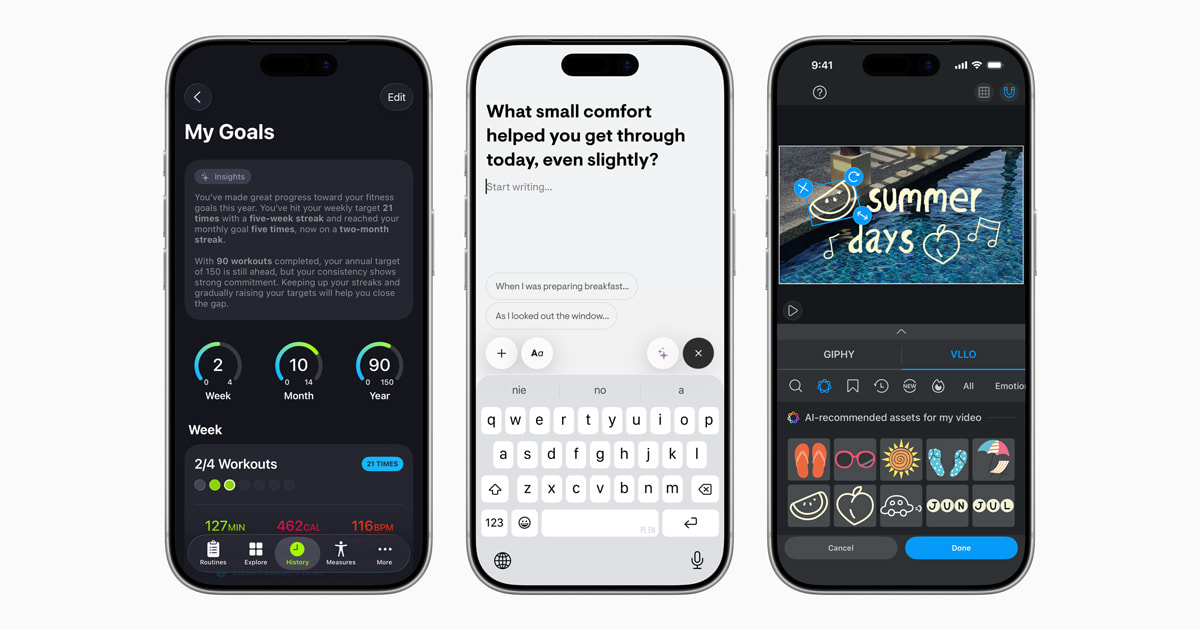
In the iOS 26.4 update, the Foundation Models framework got improvements to instruction-following and tool-calling abilities. Since the model changes when a person updates their device, you'll want to re-test your prompts with the new model to verify your app's behavior. Apple Developer Worth doing before your next release.



Foundation Models Framework Docs · Apple's Foundation Models in Practice
Swift 6.2: Default Actor Isolation
If you've been drowning in @MainActor annotations ever since enabling Swift 6's strict concurrency checking, Swift 6.2 has a direct answer. Default Actor Isolation is a new Swift compiler setting that alters the default behavior of concurrency isolation, instead of assuming no isolation, it now assumes your code should run on @MainActor unless you say otherwise.
 Antoine van der Lee
Enable it in your Package.swift:
swiftSettings: [
    .defaultIsolation(MainActor.self)
]
When you need to introduce actual concurrency, opt in with the new @concurrent attribute. Swift This gives you a clean mental model: single-threaded by default, concurrent by explicit choice.
In Xcode 26, newly created projects have this option enabled and set to MainActor by default. Fatbobman's Swift Weekly For existing projects, the migration tooling can help you update incrementally, don't just flip the flag globally, as it can silently change the behavior of nonisolated async functions.
 donnywals
Swift 6.2: Observations: Transactional State Updates
Swift 6.2 enables streaming transactional state changes of observable types using the new Observations async sequence type. Updates include all synchronous changes to observable properties, and the transaction ends at the next await that suspends, avoiding redundant UI updates, improving performance, and ensuring your code reacts to a consistent snapshot of the value. Swift
 Apple Inc.
A subtle but impactful improvement if you've ever had views flickering from multiple rapid state changes.
Swift 6.2: Exit Testing in Swift Testing
Swift Testing keeps getting better. Exit testing in Swift 6.2 lets you verify that code terminates under specific conditions, such as a failed precondition. Swift Particularly useful for testing defensive guards that should trigger a fatal error:
@Test func verifyPrecondition() async {
    await #expect(exitsWith: .failure) {
        guard someCondition else { preconditionFailure("Should not reach here") }
    }
}
Swift in the Browser with WebAssembly
One of the standout talks from the Pre-FOSDEM Swift event this year: Simon Leeb demonstrated how to run Swift applications natively in the browser with WebAssembly, using ElementaryUI. Swift The full YouTube playlist from the pre-conference event is worth a browse, talks cover embedded Swift, server-side Swift, Android, and more.
Swift System Metrics 1.0
The 1.0 release of Swift System Metrics makes it easy to collect process-level metrics like CPU utilization time and memory usage, running on both Linux and macOS with a common API across platforms. Swift Handy for any server-side Swift work or for profiling long-running background processes.
 Apple Inc.
SDK Requirement Deadline
Mark your calendar. Starting April 28, 2026, apps and games uploaded to App Store Connect must be built with the iOS 26 & iPadOS 26 SDK or later. Apple Developer If you haven't migrated your project to Xcode 26 yet, now is the time.


Design System & Liquid Glass
If you're building or scaling a design system, John Sundell has a timely piece on the topic over at Swift by Sundell. A design system will probably never be "finished", it needs to continuously evolve to adapt to new designs and system changes from Apple, like the introduction of Liquid Glass in iOS 26. Swift by Sundell Worth reading if your component library is starting to groan under the weight of custom UI work.


✌️ That's it for now! Stay curious, ship thoughtfully, and test your prompts with every OS update.
Member discussion